The New QTRIX Camera App Is Here
Photos play a central role in many QTRIX applications—whether in benchmarking analyses, product teardowns in the lab, idea generation workshops, or during visits to trade fairs. This is exactly where the new QTRIX Camera App comes in: it makes capturing images and making them available in the QTRIX system easier than ever before.
Normally, images can also be captured directly within QTRIX on a mobile device and inserted into forms. However, in practice things don’t always go as planned—sometimes photos simply need to be taken quickly and organized later. That is precisely why the QTRIX Camera App was developed: as a fast and convenient companion when working on the go.
Capture Images – and Use Them Directly in QTRIX
The app’s image gallery allows users to take and manage photos in an unstructured way at first. The desired images can then be selected and uploaded to the QTRIX cloud clipboard. From there, they can be directly assigned within the system to the appropriate object (item).
Without the app, this process usually requires several additional steps: taking photos with a smartphone, transferring them to a PC, saving them in the correct folder, and finally uploading them manually to QTRIX. With the QTRIX Camera App, this detour is no longer necessary—images can be inserted directly from the cloud into the appropriate form field.
Automatically Create 360° Images
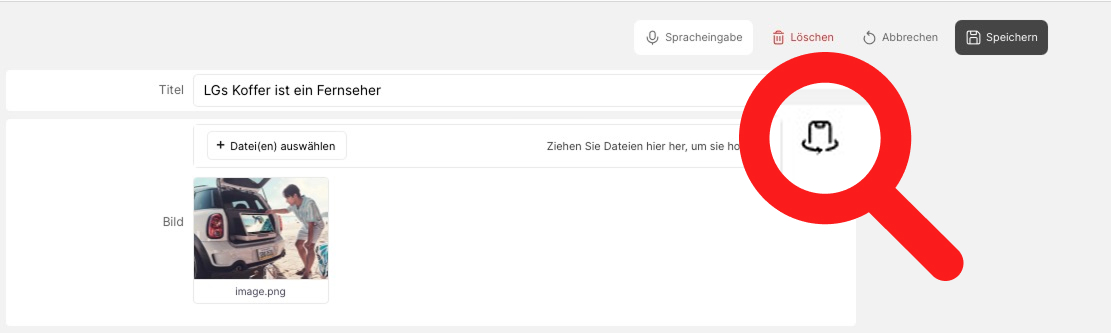
A special highlight is the support for Calidat 360° turntables. In combination with the app, the turntable can be controlled directly. The app automatically captures the required images and stores them in QTRIX.
With just the press of a button, 360° views of parts or products can be created and displayed interactively within the system. Users can rotate the object, zoom in, and explore details from different perspectives—almost like interacting with a 3D model. Optionally, the app can even automatically remove the background from the images.
Capture Large Numbers of Photos Quickly
With the “Quick Upload” function, photos can be captured particularly efficiently. Multiple images can be taken consecutively and are automatically uploaded to the QTRIX cloud clipboard. From there, they can later be easily assigned to the appropriate objects in QTRIX.
This function saves considerable time, especially during product teardowns or documentation tasks that require many individual photos.
A New, Extremely Simple Interface
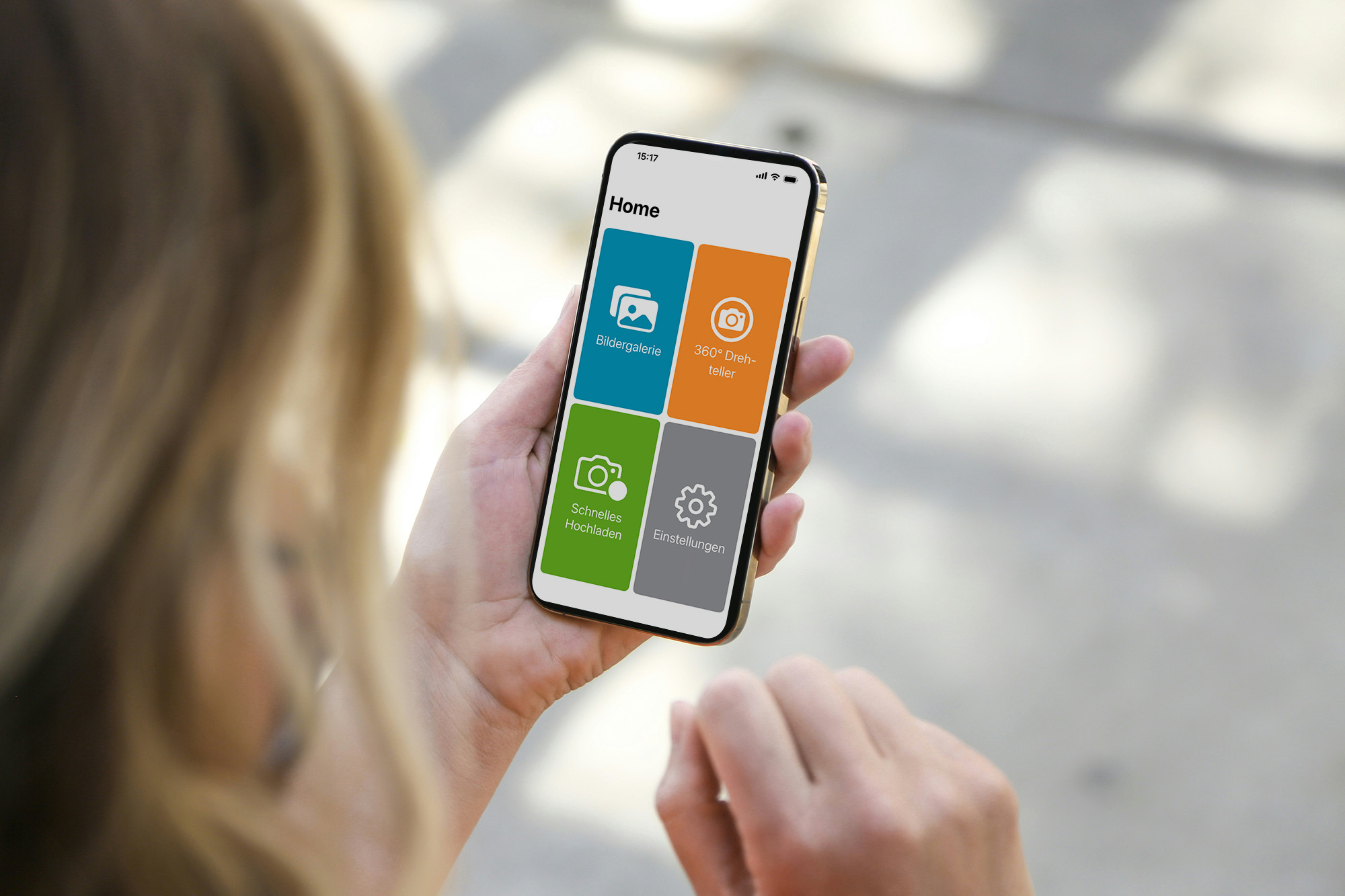
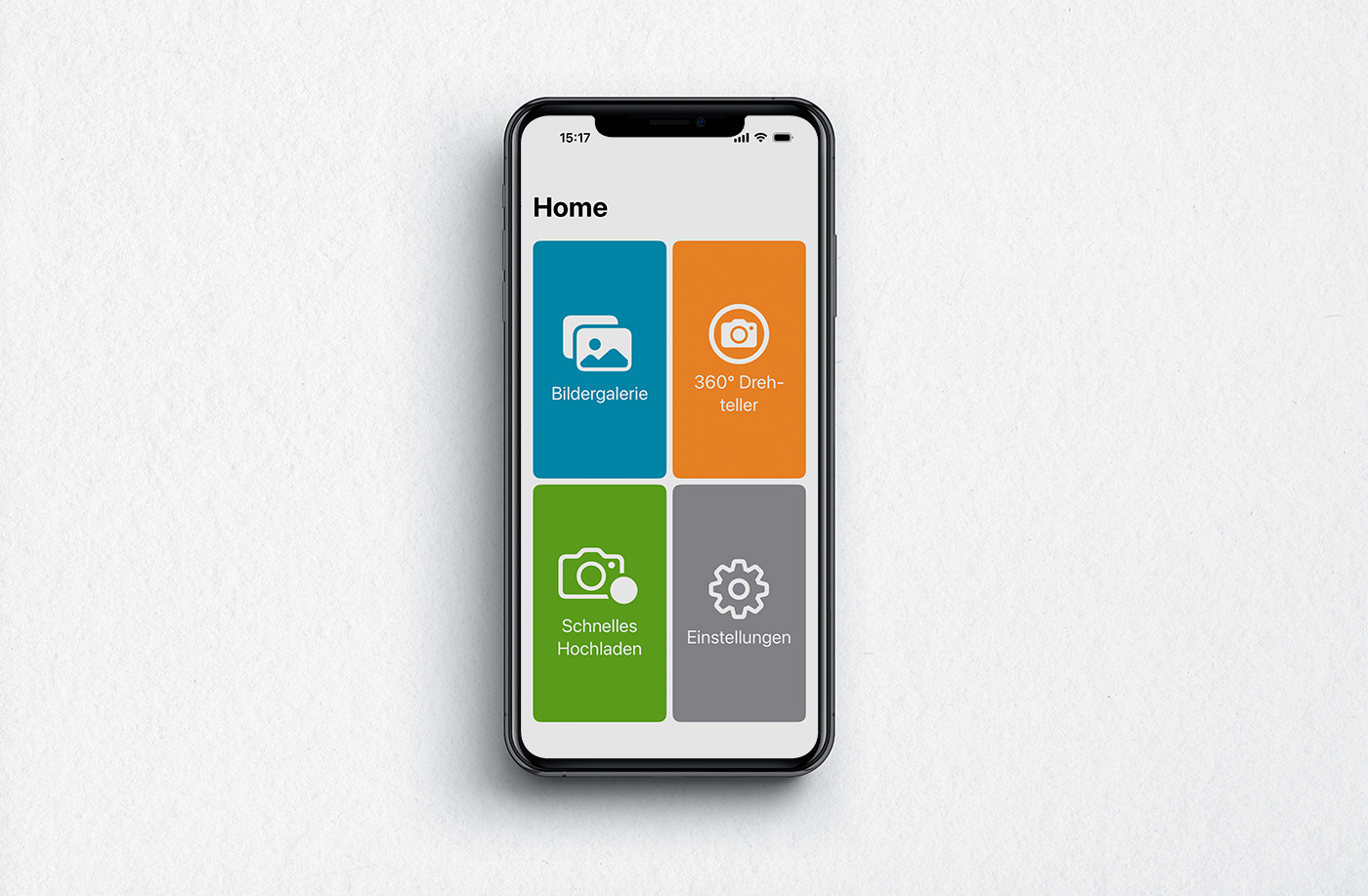
The new version of the app focuses on maximum clarity and ease of use. The interface consists of only four sections:
- Image Gallery
- Quick Upload
- 360° Turntable
- Settings
Once connected to the QTRIX system, the app is ready for use at any time and can be reused for new projects whenever needed.